
Self-updating plans
As work moves, the calendar moves with it — no manual rescheduling every time something changes.
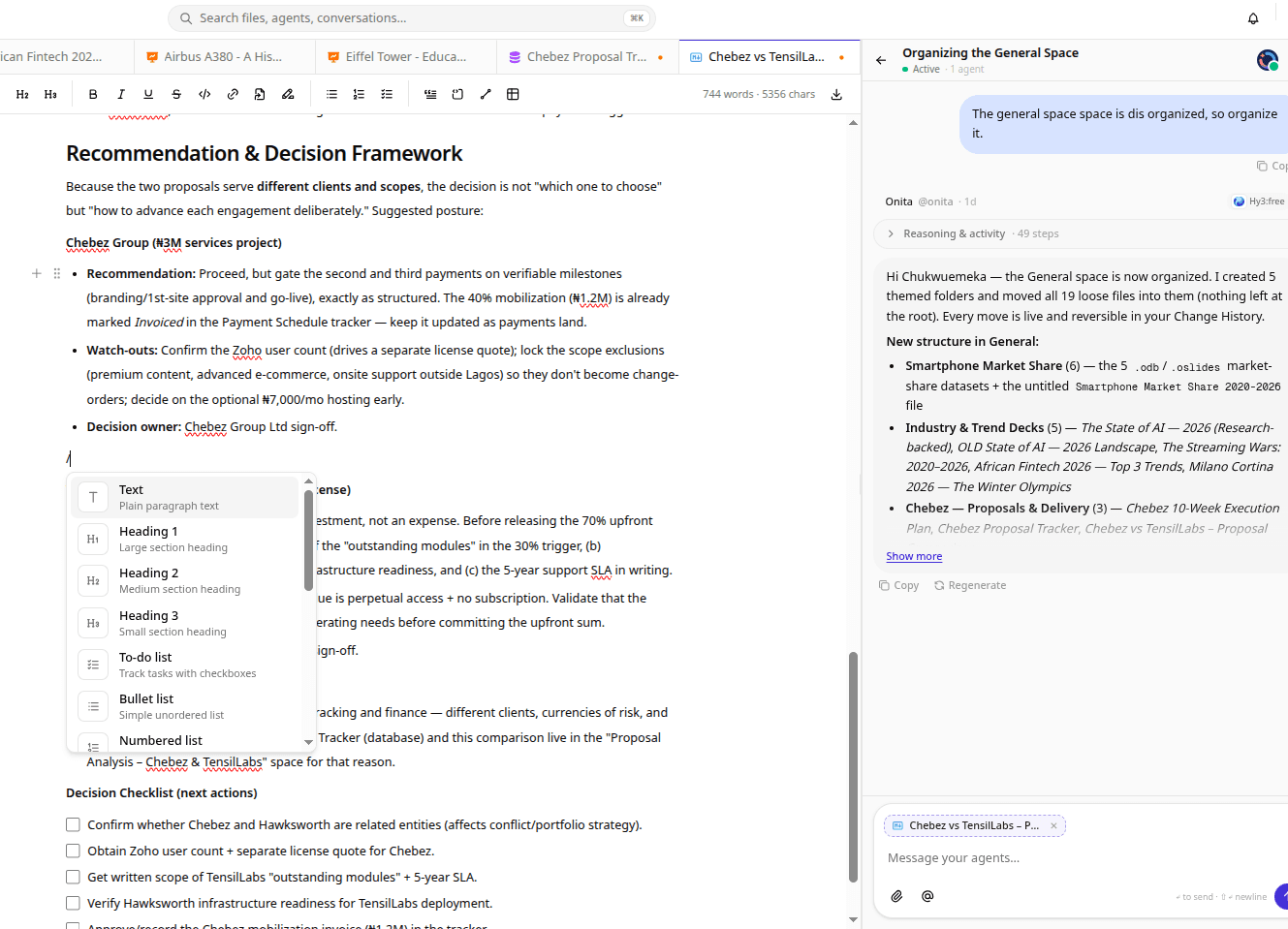
A calendar that updates itself as tasks shift, deadlines move, and agents reschedule — so your team always sees an accurate plan instead of one that's already out of date.
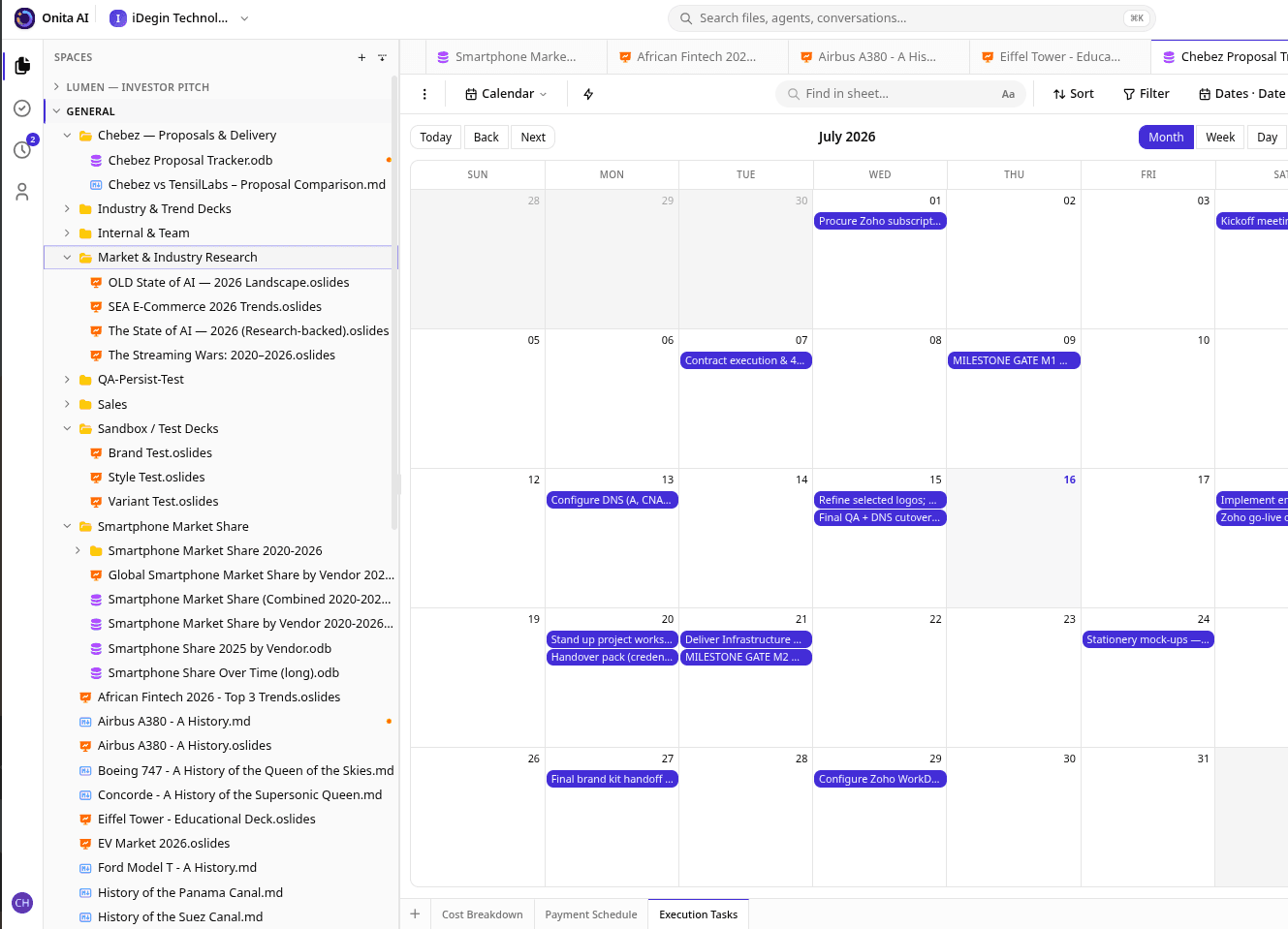
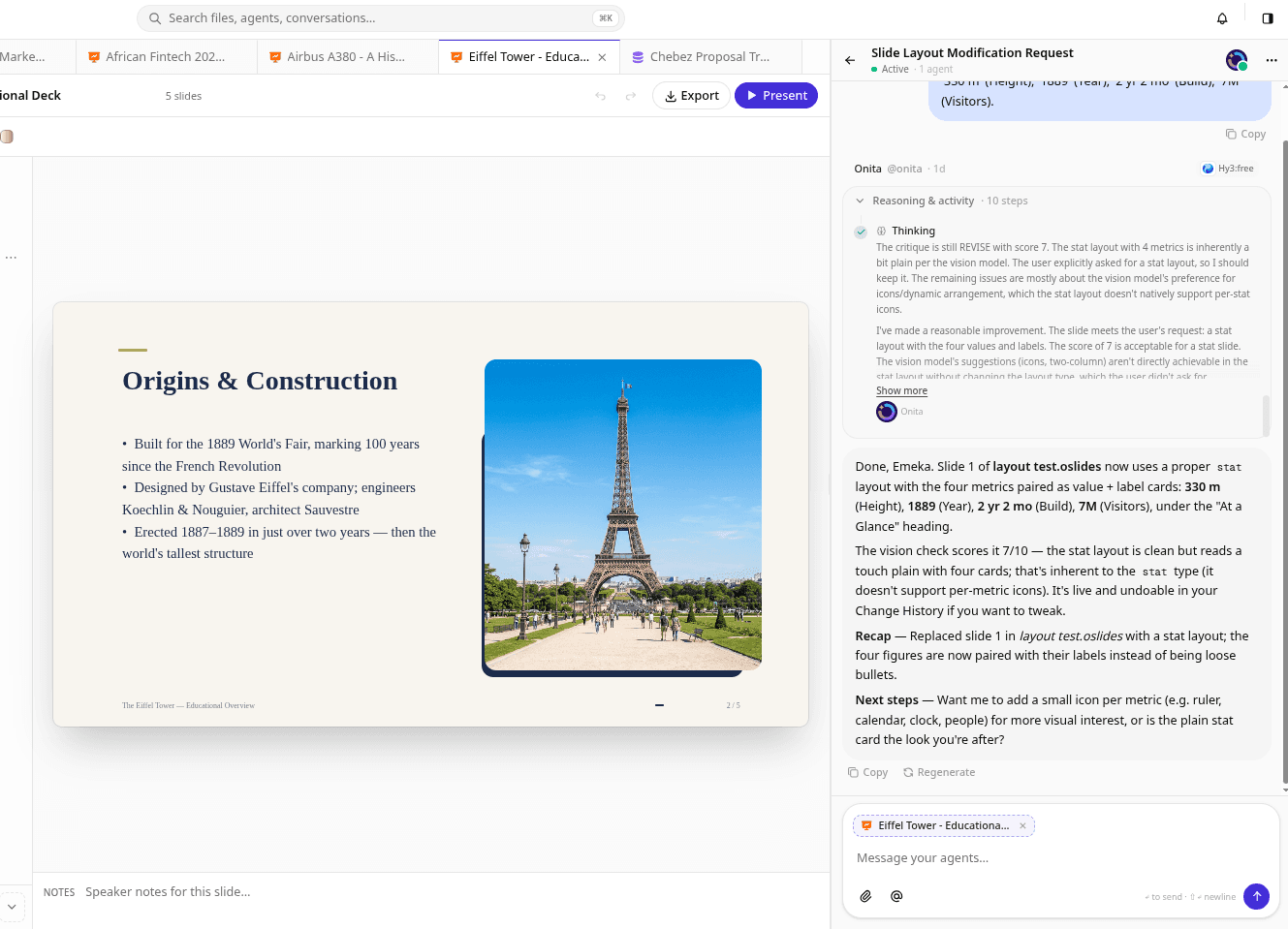
The Onita Calendar connects your schedule to the actual work. When a task slips or an agent finishes early, the plan adjusts automatically. Deadlines, resources, and team availability stay in sync without anyone dragging events around.
Built to carry real work — not just another view of it.
As work moves, the calendar moves with it — no manual rescheduling every time something changes.
Every task and milestone maps to a date, so a slipping deadline is visible the moment it happens.
See who and what is booked across the team to plan capacity without double-booking anyone.
Agents book, reschedule, and remind, keeping the plan realistic while your people focus on the work.
Coordinating calendars, chasing reschedules, and reminding people is exactly the work an agent handles well. Your team stops playing scheduler and the plan stays honest.
Meet the AI agentsThe same product, tuned to how your team actually delivers.
Keep project timelines and team availability aligned as scope shifts.
Track critical deadlines that update as work progresses.
Coordinate shoots, reviews, and launches across every client in one view.
Every Onita product shares the same data and the same AI workforce.
Yes. We connect your existing calendars during setup so Onita reflects and updates the schedules your team already uses.
It's linked to your tasks and timelines — when work moves, the calendar moves with it, and agents handle the reshuffling.
Yes, within your rules. Agents can book, reschedule, and send reminders while keeping a human in the loop where you want one.
Book a demo and we'll design, build, and run your AI workforce — Calendar included — around how your team actually operates.